Typing With Gloves On: How Much You Lose
Gloves cost you speed twice over, once from the material and once from the cold that made you reach for them. Here's which loss is bigger.
TypingFastest Team
Typing speed & productivity experts • About us
In This Article
- 1. Quick answer
- 2. Two separate problems
- 3. What the cold actually does
- 4. The loss is bigger than you would guess
- 5. Fingerless gloves
- 6. Thin full gloves
- 7. Thick gloves
- 8. Why gloves hurt accuracy first
- 9. The home row bumps stop working
- 10. Keyboard choice changes the answer
- 11. Warm the hands, not the room
- 12. Movement beats heat
- 13. What a test will show you
- 14. Accuracy is the number to watch
- 15. If your hands are cold all the time
- 16. Wrist rests and cold
- 17. What to actually do this winter
- 18. Frequently Asked Questions
Quick answer
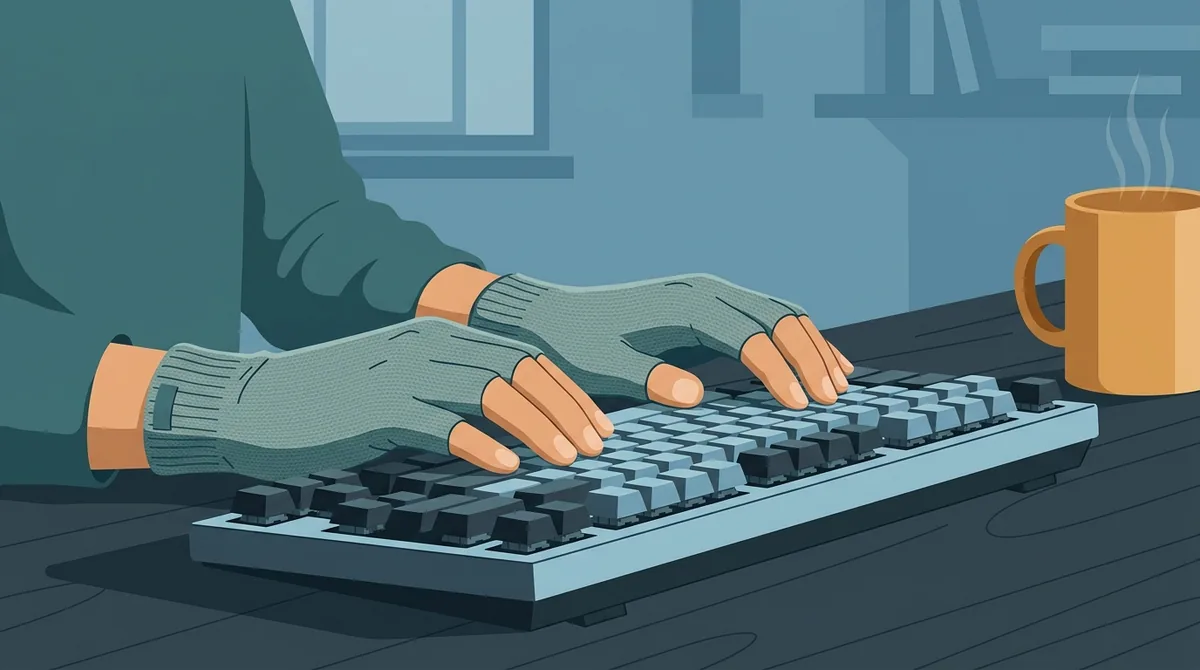
Quick answer: Thin fingerless gloves cost most people very little. Full gloves cost a lot, because you lose the feel of the key edge and start hitting two keys at once.
But the bigger loss usually isn't the glove. It's the cold that made you put it on.
I read the research on hand temperature and dexterity before writing this. Fingers get measurably clumsier well before they feel cold, which is the part nobody expects.
Two separate problems
People treat this as one question. It's two.
One is the glove itself, which adds thickness between your fingertip and the key and blunts what you can feel.
The other is cold hands, which slows the muscles and nerves doing the work.
They pull in opposite directions. A glove that fixes the cold makes the feel worse, and bare hands in a cold room have perfect feel and no control. That trade is the whole subject.
What the cold actually does
Hand skin temperature is the number that matters, not room temperature.
Dexterity starts dropping once hand skin falls to around twenty two degrees, and the drop becomes serious below about sixteen. Research on occupational cold exposure puts the finger threshold in that same range.
That's not a temperature that feels dangerous. It's the temperature of a slightly chilly office in winter.
Which is why people lose speed without ever thinking of themselves as cold.
The loss is bigger than you would guess
Studies that cool the hands and then measure dexterity find drops of roughly half against a warm baseline in the worst conditions.
Nobody's typing at half speed in an ordinary cold room. But even a small share of that is far more than any keyboard upgrade gives you back.
I compared that against the gear differences we've measured on this site. Warm hands beat almost every piece of hardware in the garage.
Fingerless gloves
The best option by a distance.
Your fingertips stay bare, so key feel is unchanged and you still find the edges by touch. The palm and back of the hand stay warm, which is where most heat leaves.
Most people lose almost nothing typing in these. A few report a slight catch from the cuff at the wrist.
If you type in a cold room regularly, this is the answer and the rest of this page is background.
Thin full gloves
Touchscreen liners and thin silk or merino gloves are the middle ground.
You keep some feel but not all of it. The main cost is that key edges blur, so your fingers stop landing dead centre and start catching the gap between keys.
Accuracy falls before speed does. You'll see it as more backspacing rather than slower typing.
On a keyboard with a wide gap between keycaps this is worse, which matters more than people think.
Thick gloves
Not usable for typing in any serious sense.
The fingertip is now several millimetres from the key, your fingers are wider than the key spacing, and you can't feel the edge at all.
Double presses become constant. Everything slows to hunt and peck, whatever your normal technique is.
If it's cold enough to need these, the honest answer is to warm the room or your hands rather than to type through it.
Why gloves hurt accuracy first
Touch typing is a feel skill more than a memory skill.
Your fingers confirm their position dozens of times a minute against the edges of the keys and the bumps on the home row. That confirmation happens below conscious thought.
A glove takes it away. Your hands are still in roughly the right place, but the small corrections stop happening, and drift creeps in.
That drift shows up as errors long before it shows up as a lower rate.
The home row bumps stop working
The two small ridges on F and J exist precisely so you can find home position without looking.
Through a glove they're either faint or invisible. So you lose the one reference that puts your hands back in place after reaching for a number or a symbol.
This is why gloved typing degrades over a paragraph rather than immediately. The first line is fine. The fifth is a mess.
Deliberately re finding home position every few sentences helps more than anything else.
Keyboard choice changes the answer
A keyboard with tall separated keycaps is far more glove friendly than a flat laptop keyboard.
On a laptop the keys are close together with shallow travel, so a gloved finger bridges two of them easily.
On a mechanical board with sculpted keycaps the edges are pronounced enough to feel through a thin glove.
If you already own both, that's a real reason to use the external one in winter rather than a preference.
Warm the hands, not the room
Heating a whole room to fix cold fingers is slow and expensive.
A heated mouse pad, a small desk heater pointed at your hands, or two minutes of hot water before you start all raise hand skin temperature directly.
Hot water is the fastest of the three and costs nothing.
Do that instead of gloves where you can, because it fixes the cause and leaves your fingertips bare.
Movement beats heat
Cold hands are partly a blood flow problem, not only a heat problem.
Shaking your hands out, making a fist and opening it ten times, or simply typing badly for ninety seconds all push warm blood back into the fingers.
This is the same reason a warm up raises your rate on any day, cold or not. We set out a short one in the warm up routine.
In a cold room it does double duty.
What a test will show you
Run one test bare handed in your cold room, then warm your hands and run another.
That gap is your real cold cost, and for most people it's larger than the glove question they came here for.
Run a third with the glove you're considering and you'll have the whole picture in under ten minutes.
Use the same text length each time, or the comparison means nothing. A fixed length practice run keeps that constant.
Accuracy is the number to watch
Raw speed hides what gloves do. Errors don't.
A gloved test often shows a similar rate with far more corrections, and the corrected score tells the truth.
That's the difference between the two numbers every typing test reports, and it's worth understanding properly before you judge any change to your setup.
We explained both in gross versus net.
If your hands are cold all the time
Some people run cold regardless of the room, and a few of those have a circulation condition worth mentioning to a doctor rather than solving with gloves.
Persistently white or numb fingertips in mild cold is the sign.
For everyone else it's usually posture and inactivity. Hands held still and slightly below the heart get cold faster than hands that move.
Raising the keyboard and taking short breaks helps more than any glove.
Wrist rests and cold
A cold hard desk edge under your wrists pulls heat out of exactly the wrong place.
A fabric or foam wrist rest stops that, and it's a cheaper fix than anything else here.
It won't warm you up. It stops you cooling down, which in a mildly cold room is most of the problem.
We looked at whether they help speed generally in our wrist rest piece.
What to actually do this winter
Fingerless gloves if you need something on your hands.
Hot water on the hands before a long session, and again when they stiffen.
A wrist rest so the desk stops stealing heat.
An external keyboard with taller keycaps if you have one.
And if you're testing your speed for a job application, warm your hands first and take the test at a normal room temperature. The difference is worth more than a week of practice.
Frequently Asked Questions
Can you touch type with gloves on?
With thin fingerless gloves, yes, and most people lose almost nothing. With full gloves it gets hard fast, because you can't feel the key edges or the home row bumps on F and J. Thick gloves make touch typing impossible and push you back to hunt and peck.
How much speed do cold hands cost?
More than most people expect. Dexterity starts falling once hand skin temperature drops to around twenty two degrees, which is an ordinary chilly room rather than anything extreme. The loss usually outweighs the glove question entirely, so warming your hands beats choosing a better glove.
Do fingerless gloves actually help typing speed?
They help by keeping your hand warm while leaving your fingertips bare, so you get the temperature benefit without losing key feel. They don't make you faster than warm bare hands would be. They stop you getting slower in a cold room, which is a different thing.
Why do I make more mistakes with gloves on?
Touch typing relies on feeling key edges and the small ridges on F and J to correct your hand position constantly. A glove removes that feedback, so your hands drift out of position over a paragraph. Accuracy falls before raw speed does. Check your corrected score on practice mode rather than the raw one.
What is the fastest way to warm cold hands before a typing test?
Hot water for a minute or two, which raises hand skin temperature directly and faster than heating a room. Failing that, open and close your fists ten times and shake your hands out. Both push blood back into the fingers within about ninety seconds.
Ready to Test Your Typing Speed?
Take a free typing test, practice touch typing, or race against others in real-time multiplayer races.
Start Typing Test →Related Articles
Monkeytype Funbox Modes Explained: All 48 Modes
Monkeytype has 48 funbox modes. See what each one does, which 25 still count for personal bests, and how the harder ones earn extra XP.
Best Ratatype Alternatives in 2026
Ratatype Plus costs $9.99 a month or $49.99 a year. These free alternatives teach touch typing, print typing certificates and test your speed instead.
Is 50 WPM Good? Where 50 WPM Ranks in 2026
Is 50 WPM good? Yes. It matches the 51.56 WPM average from a 168,960 person study, but it beats only 16% of Monkeytype's leaderboard. Here's what it means.