Does a Dirty Keyboard Slow Your Typing Down
One sticky key costs you more than a whole grade of keyboard. Here's what dirt actually does to typing, and the cleaning order that fixes it.
TypingFastest Team
Typing speed & productivity experts • About us
In This Article
- 1. Quick answer
- 2. Dirt and stickiness are different problems
- 3. Why one bad key costs so much
- 4. How to find the bad key
- 5. Sugar is the real enemy
- 6. The cleaning order that works
- 7. Pulling a keycap safely
- 8. What to clean underneath with
- 9. Compressed air is overrated
- 10. The long keys are their own problem
- 11. Double letters from one press
- 12. How often is worth it
- 13. A clean keyboard will not raise your speed
- 14. When to stop cleaning and replace
- 15. Switch type changes how dirt behaves
- 16. Laptops need a different approach
- 17. What to do this week
- 18. Frequently Asked Questions
Quick answer
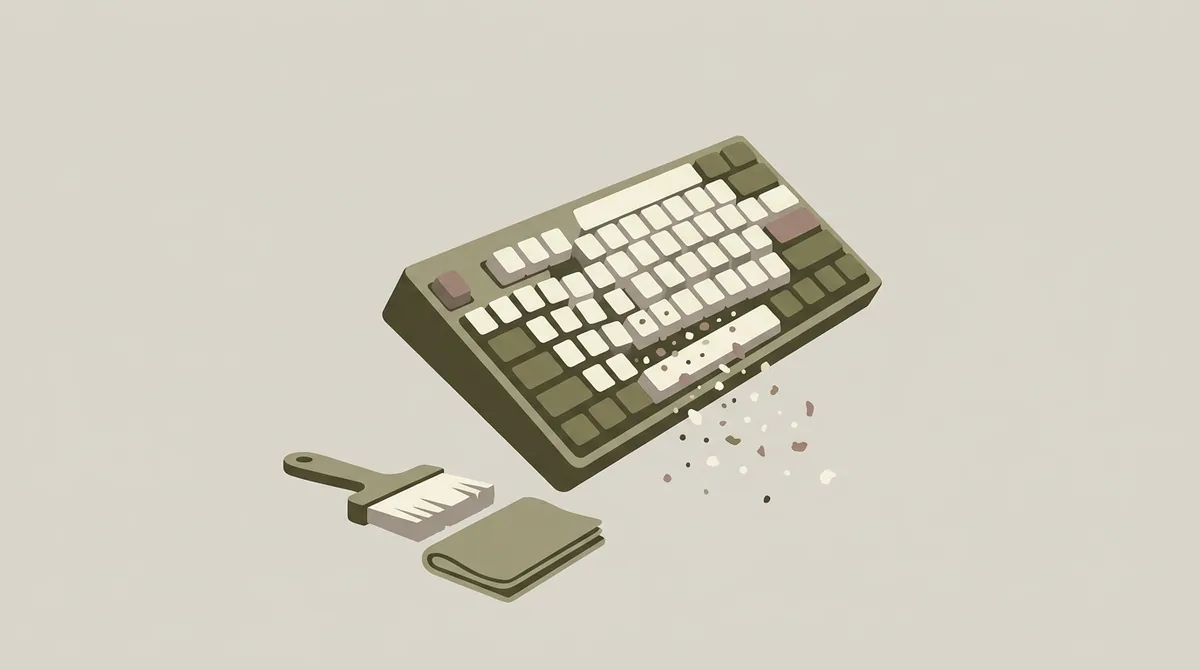
Quick answer: A generally grubby keyboard costs you almost nothing. One sticky key costs you a lot, because every word containing that letter breaks your rhythm and your hands stop trusting the board.
So cleaning is about finding the bad key, not about making it look nice.
I compared the usual causes and they come down to three. Residue under one keycap, dust in one switch, and worn stabilisers on the long keys.
Dirt and stickiness are different problems
A keyboard can be filthy and type perfectly. Most office keyboards are.
What matters is whether any key fails to return, sticks halfway, or needs extra force.
That's a mechanical fault caused by something specific, usually a spill, and it doesn't spread from the grime on the keycap tops.
So don't judge by how it looks. Judge by how each key comes back up.
Why one bad key costs so much
Touch typing runs on trust. Your fingers fire in sequence without waiting for confirmation.
A key that occasionally sticks breaks that. After it happens twice you start checking, and checking is what costs the time, not the stick itself.
The letter matters too. A sticky Q barely registers. A sticky E ruins everything.
That's why the same fault feels catastrophic for one person and trivial for another.
How to find the bad key
Press every key slowly, one at a time, and listen and feel for the return.
A good key comes back up immediately with the same sound as its neighbours. A bad one is slower, quieter, or needs a nudge.
Do the space bar, both shifts and Enter separately, because the long keys fail differently.
The whole check takes under two minutes and it's the only diagnosis anybody needs.
Do it with the keyboard unplugged or a blank document open. Running the check in a real document is how people accidentally send half a message.
Sugar is the real enemy
Water evaporates and does little. Anything sweet doesn't.
A sugary drink leaves a film that dries hard, and it's usually under the keycap rather than on top of it. That's why wiping the surface does nothing.
I read through a pile of reported keyboard spills and the same three come up over and over. Coffee with sugar, fizzy drinks and juice.
Black coffee and water rarely cause a lasting sticky key. Sweet anything nearly always does.
The cleaning order that works
Turn the keyboard upside down and shake it. That removes most of the loose material and costs nothing.
Then a soft brush between the keys.
Then, only for the bad key, pull the keycap and clean what's underneath.
Most people do these in the wrong order, spend twenty minutes on the surface, and never reach the one key that was the problem.
Put a towel under the board while you shake it. What comes out of a keyboard nobody has cleaned for a year is genuinely surprising, and you don't want it on the desk.
Pulling a keycap safely
On a mechanical keyboard, use a keycap puller and pull straight up. The wire type is gentler than the plastic ring type.
On a laptop, be much more careful. Those clips break and they aren't replaceable individually.
If you're nervous about a laptop key, don't. Clean around it instead and live with it.
A broken laptop clip is a far worse outcome than a slightly slow key.
What to clean underneath with
A cotton bud slightly damp with isopropyl alcohol, not water.
Isopropyl alcohol dissolves sugar residue and evaporates within seconds, so nothing gets into the switch.
Water sits there and can make things worse.
Let it dry for a minute before putting the keycap back, and test the key before you put the rest of the board together.
Compressed air is overrated
It looks satisfying and mostly moves the dust from where you can see it to where you can't.
On a mechanical keyboard it can push debris deeper into a switch, which is the opposite of the goal.
Shaking it upside down does the same job better.
If you do use air, hold the board at an angle so what comes loose falls out rather than sideways into the next switch.
The long keys are their own problem
Space, Enter, shift and backspace have a metal wire underneath to stop them tilting.
When that wire gets dry or dirty the key rattles, feels uneven, or sticks on one side.
It reads as a sticky key and it's actually a lubrication problem.
We went through the fix in the lubing guide, and the space bar is worth doing even if you skip everything else.
Double letters from one press
If a key sometimes types twice from one press, that's a different fault entirely.
It's usually a worn or dirty switch contact, and cleaning the keycap won't touch it.
A drop of contact cleaner into the switch fixes some of them. Replacing the switch fixes the rest, and on a hot swap board that takes under a minute.
It's worth fixing quickly, because it produces errors your typing never made.
How often is worth it
A shake out every month and a proper clean twice a year covers most people.
More than that is maintenance for its own sake rather than for typing.
The exception is if you eat at your desk, in which case monthly is the minimum and you'll know why.
Honestly, the schedule matters less than checking every key returns properly whenever something feels off.
Keycaps themselves can go in warm soapy water if you take them off, which is the only part of this worth doing for appearance. Dry them fully before they go back on.
A clean keyboard will not raise your speed
Worth saying plainly. If no key sticks, cleaning changes nothing about your typing.
You'll feel better about the desk and that's a real thing, but the number won't move.
The gains come from removing a fault, not from removing dirt.
So if you're chasing speed and nothing sticks, spend the twenty minutes on accuracy drills instead.
When to stop cleaning and replace
If several switches misbehave, if the board is a membrane type older than a few years, or if a spill went right through it, replacing is cheaper than the hours.
A membrane keyboard that took a sugary spill is usually finished. The sheet underneath is one piece and you can't clean it properly.
A mechanical board is worth saving, because individual switches are replaceable.
That difference is a decent argument for mechanical on its own.
Switch type changes how dirt behaves
Linear switches tolerate dust better than tactile ones, because there's no bump to get gritty.
Clicky switches are the worst, since the click mechanism has more moving parts to collect debris.
None of this is a reason to choose a switch. It's a reason to expect different symptoms.
We compared the three in the switch guide.
Laptops need a different approach
Scissor switches have very little travel, so a small amount of debris causes a big problem.
The safe routine is to turn the laptop upside down, tap the base gently, and brush between the keys. No liquid and no keycap pulling unless you're confident.
If one key is dead rather than slow, that's usually the ribbon or the board rather than dirt.
At that point it's a repair, and cleaning harder won't help.
A laptop that took a spill should be turned off and turned upside down immediately, before anything else. That single minute decides whether it survives.
What to do this week
Press every key once and find the ones that don't return cleanly.
If there are none, do nothing. Your keyboard is fine whatever it looks like.
If there's one, pull that keycap, clean under it with alcohol, and test again.
If it's the space bar or Enter, it's the wire underneath rather than dirt, and that needs grease rather than cleaning.
The whole check is two minutes. The repair, if you need one, is ten.
Frequently Asked Questions
Does a dirty keyboard actually slow you down?
Only if something sticks. A grubby looking board with keys that all return properly types exactly the same as a clean one. The cost comes from a single key that catches, because your fingers start checking it and the checking is what takes the time.
What causes a sticky key?
Nearly always a sugary spill that dried into a film under the keycap, which is why wiping the top does nothing. Coffee with sugar, fizzy drinks and juice are the usual culprits. Plain water and black coffee rarely leave a lasting problem.
How do I clean under a keycap?
Pull the cap straight up with a puller on a mechanical board, then use a cotton bud lightly damp with isopropyl alcohol. It dissolves sugar and evaporates in seconds, so nothing seeps into the switch. Let it dry for a minute and test the key on practice mode before reassembling.
Why does one key sometimes type twice?
That's a worn or dirty switch contact rather than surface dirt, and cleaning the keycap won't touch it. Contact cleaner fixes some cases. On a hot swap keyboard, replacing that one switch takes under a minute and is the reliable fix.
Is compressed air good for keyboards?
Less than people think. It often pushes debris deeper into a switch instead of out of the board. Turning the keyboard upside down and shaking it does the same job more effectively. If you use air, angle the board so what comes loose falls out.
Ready to Test Your Typing Speed?
Take a free typing test, practice touch typing, or race against others in real-time multiplayer races.
Start Typing Test →Related Articles
Monkeytype Funbox Modes Explained: All 48 Modes
Monkeytype has 48 funbox modes. See what each one does, which 25 still count for personal bests, and how the harder ones earn extra XP.
Best Ratatype Alternatives in 2026
Ratatype Plus costs $9.99 a month or $49.99 a year. These free alternatives teach touch typing, print typing certificates and test your speed instead.
Is 50 WPM Good? Where 50 WPM Ranks in 2026
Is 50 WPM good? Yes. It matches the 51.56 WPM average from a 168,960 person study, but it beats only 16% of Monkeytype's leaderboard. Here's what it means.